
The average office worker spends 212 minutes a week on repetitive data entry and administrative tasks that contribute zero strategic value to the organization. This isn’t just a productivity drain; it is a financial leak that compounds as a company scales. At SEIO, we have observed that businesses failing to audit their internal processes often lose up to 30% of their annual revenue to operational inefficiencies. Identifying the right workflow automation tools is no longer a luxury for enterprise players—it is the baseline for survival in a market where speed is the primary competitive advantage.
The Financial Impact of Manual Workflows
Quantifying the Cost of Error
Manual data entry carries an average error rate of 1% to 4%. In a high-volume environment like logistics or financial services, a single misplaced decimal point can trigger a cascade of billing disputes and lost client trust. Workflow automation tools mitigate this risk by enforcing rigid data validation rules and removing the ‘human element’ from rote transcription tasks. By deploying SEIO to analyze these friction points, organizations can prioritize which sequences require immediate automation to protect their bottom line.

Reclaiming Talent for High-Value Output
When a senior marketing strategist spends four hours a week manually syncing lead data between a CRM and an email marketing platform, the company loses the opportunity cost of those four hours. Automation shifts the focus from ‘doing the work’ to ‘designing the system.’ This transition allows your team to focus on creative problem-solving and relationship management, while the background infrastructure handles the logistics of data movement.
Categorizing the Automation Landscape
No-Code Integrators for Rapid Deployment
Platforms like Zapier and Make have democratized automation. These tools allow non-technical staff to connect disparate SaaS applications using ‘If This, Then That’ logic. They are ideal for marketing teams, HR departments, and small operations that need to move data between tools like Slack, Google Sheets, and HubSpot without writing a single line of code. SEIO recommends these for decentralized teams that require agility over deep technical customization.
Enterprise Orchestration Platforms
For complex, multi-departmental sequences, enterprise-grade tools like Workato or Tray.io offer superior control. These platforms provide advanced error handling, SOC2 compliance, and the ability to manage thousands of concurrent tasks. Unlike simple triggers, these tools orchestrate entire business processes, such as employee onboarding or automated procurement cycles, ensuring that every stakeholder is updated in real-time across different legacy systems.
Comparing the Leading Workflow Automation Tools
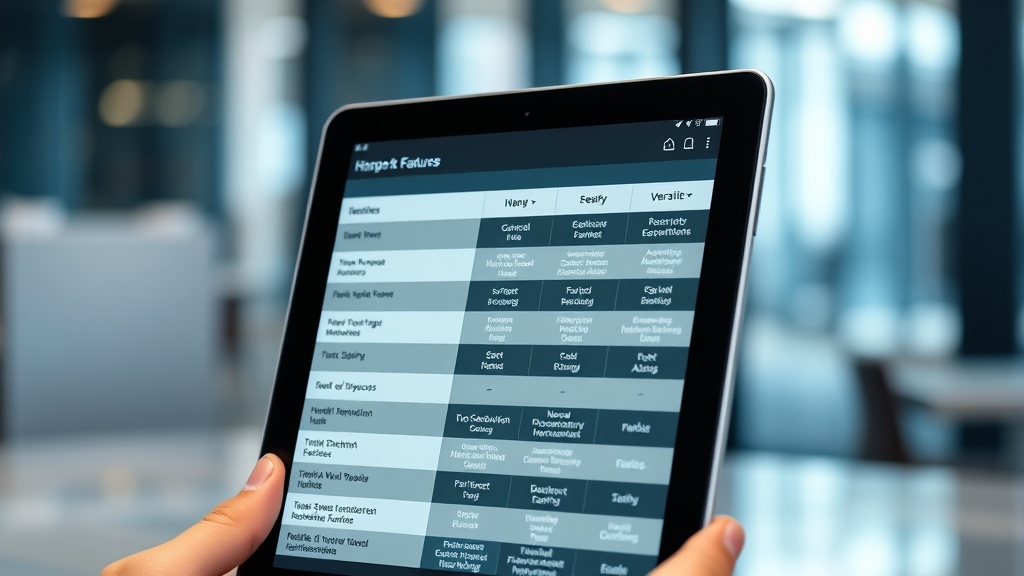
Selecting a tool requires a balance between ease of use and technical depth. The following table highlights the core differences between the market leaders.
| Tool | Primary Target | Learning Curve | Key Strength |
|---|---|---|---|
| Zapier | Small Teams / SMBs | Very Low | Massive library of 6,000+ app integrations. |
| Make (formerly Integromat) | Power Users / Agencies | Moderate | Visual logical branching and complex data mapping. |
| Workato | Enterprise / IT Ops | High | Security, governance, and deep ERP integrations. |
| n8n | Developers | High | Self-hosted option for maximum data privacy. |
Architecting a Scalable Automation Strategy with SEIO
Identifying the ‘Low-Hanging Fruit’
Not every process should be automated. Automating a broken or inefficient process simply results in a faster-moving disaster. The SEIO methodology involves auditing your current tech stack to find ‘bottleneck’ tasks—those that are high-frequency, low-complexity, and prone to human error. Start with simple triggers, such as automatically saving email attachments to cloud storage or syncing new CRM leads to a project management board.
The Importance of API-First Thinking
Modern workflow automation tools rely on Application Programming Interfaces (APIs). When selecting new software for your business, an ‘API-first’ approach is critical. If a tool does not offer a robust, documented API, it becomes a data silo that will eventually hinder your automation efforts. SEIO prioritizes software that plays well with others, ensuring your ecosystem remains flexible as your needs evolve.
Security and Compliance in the Automated Enterprise
Data Privacy and Residency
As data moves automatically between platforms, maintaining compliance with GDPR, CCPA, and HIPAA becomes more complex. You must ensure that your chosen automation tool encrypts data both at rest and in transit. Many enterprise tools now offer regional data residency, allowing you to specify that your data never leaves a particular geographic jurisdiction. This is a non-negotiable requirement for sectors like healthcare or finance.
Access Control and Audit Logs
Who has the authority to change an automated workflow? Without strict Role-Based Access Control (RBAC), a well-meaning employee could accidentally disable a critical billing sequence. Professional automation platforms provide detailed audit logs, showing exactly who modified a workflow and when. This transparency is vital for troubleshooting and maintaining the integrity of your business operations.
FAQ
What are workflow automation tools?
Workflow automation tools are software platforms that connect different applications to perform tasks automatically without human intervention. They work by setting up a ‘trigger’ (like receiving an email) that results in one or more ‘actions’ (like saving an attachment and notifying a Slack channel).
How much do workflow automation tools cost?
Pricing varies significantly based on volume. Most tools offer a free tier for a small number of tasks, but professional plans typically start around $20 to $50 per month. Enterprise solutions like Workato can cost thousands of dollars annually depending on the complexity and number of ‘recipes’ deployed.
Do I need to know how to code to use these tools?
No, many of the most popular tools like Zapier and Make are designed for non-developers using a visual interface. However, having a basic understanding of logic (if/then statements) and data structures will help you build more sophisticated and reliable automations.
Can automation tools handle complex logic?
Yes, advanced platforms allow for conditional branching, loops, and data transformations. This means you can create workflows that behave differently based on the data they receive, such as routing a support ticket to a specific department based on the keywords found in the customer’s message.
Final Thoughts on Scaling with Automation
The transition from manual operations to an automated environment is the single most impactful change a modern business can make. By removing the burden of repetitive tasks, you empower your team to focus on the strategic initiatives that actually drive growth. Choosing the right workflow automation tools is about more than just convenience; it is about building a resilient, scalable infrastructure that can handle the demands of a digital-first economy. At SEIO, we specialize in bridging the gap between current manual limitations and automated excellence. Contact SEIO today to audit your current workflows and begin your journey toward operational efficiency.